Your whole rig.
In your pocket.
Plug the MG-30 into your phone and edit everything live: amps, effects, scenes, NAM captures and IRs. Or type a song name and let the tone assistant build the preset for you.
Free · No ads · No account · Firmware 6.0.4 and 6.0.5
Everything the MG-30 can do, without a laptop
RigCage talks to the pedal over a USB-C cable using the same messages as the desktop editor, so every change plays on the pedal as you make it.
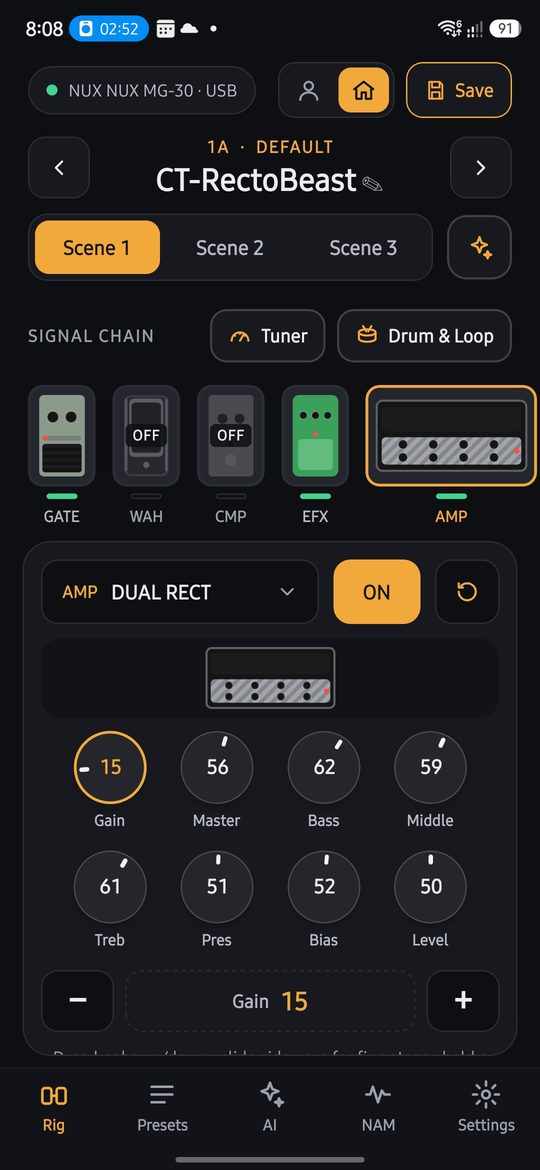
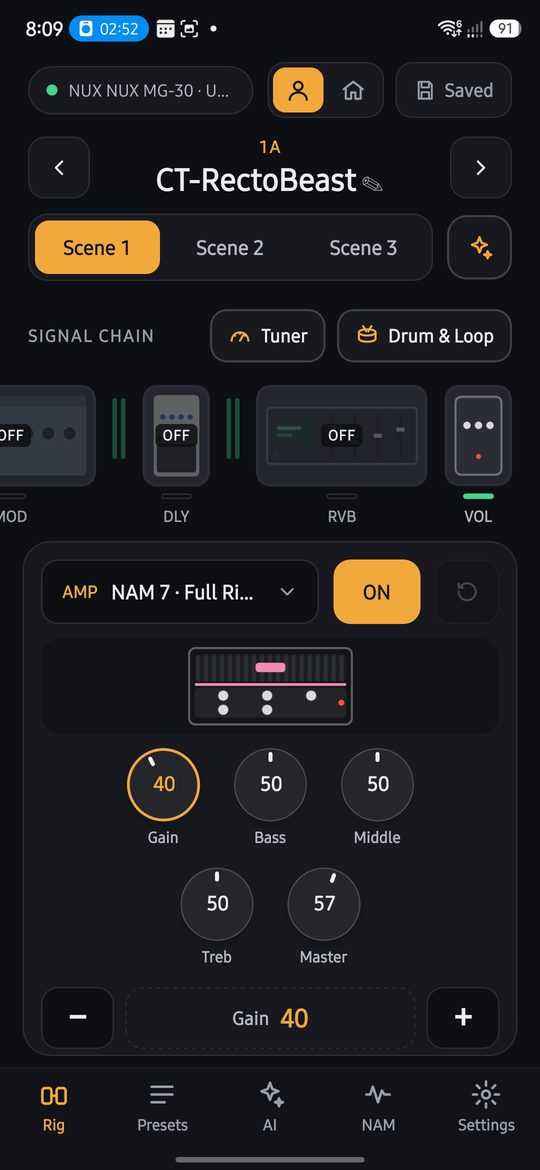
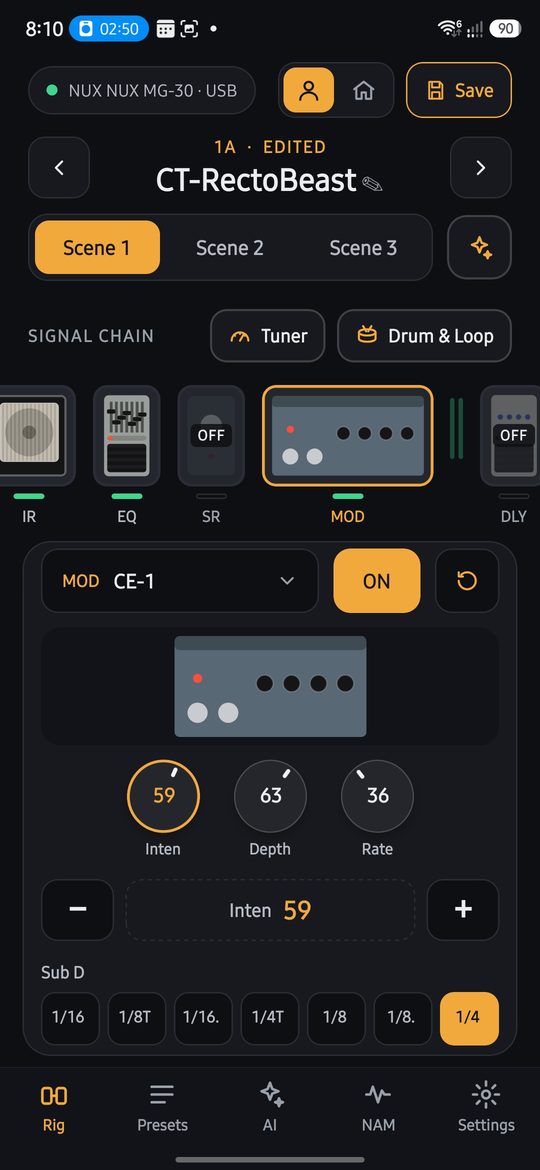
Live editing
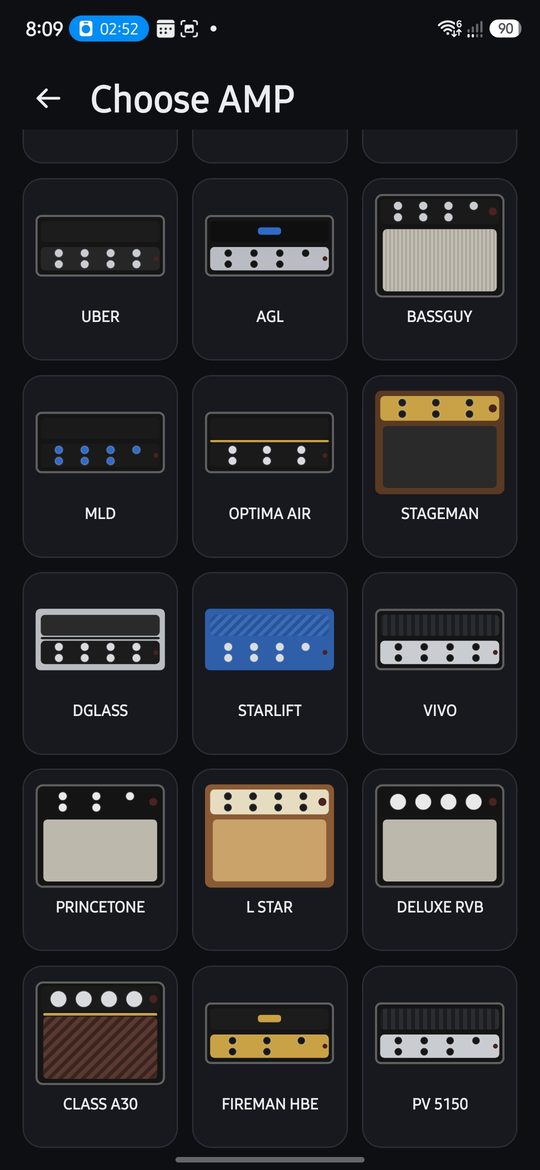
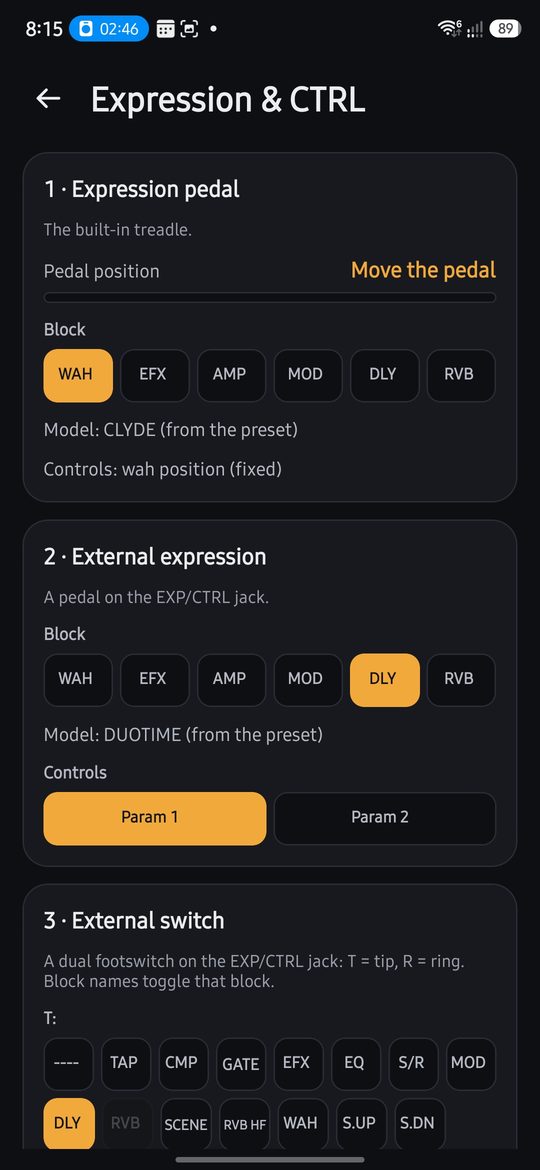
Every amp, effect, cab and knob from the pedal's catalog, including settings the desktop editor hides. Fine steps, typed values, per-block reset.
Signal chain your way
Hold and drag blocks to reorder them. Run MOD ‖ DLY or DLY ‖ RVB in parallel. Swap slot types, scene by scene.
Three scenes, done right
Switch, name and copy scenes, even from another preset. Each scene has its own volume. Save, Save as, or go back to the factory version.
NAM and IRs
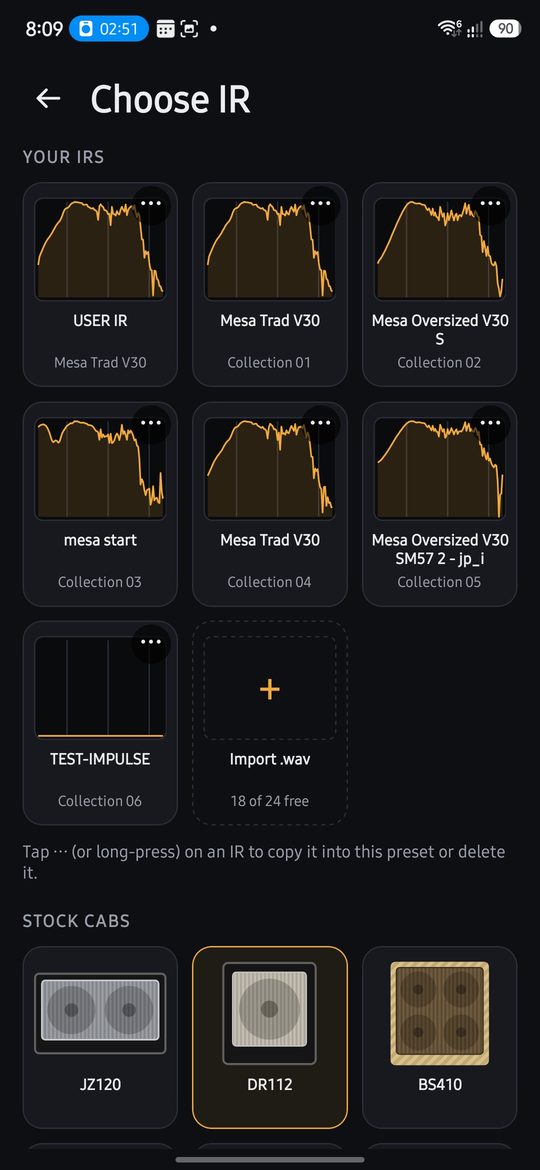
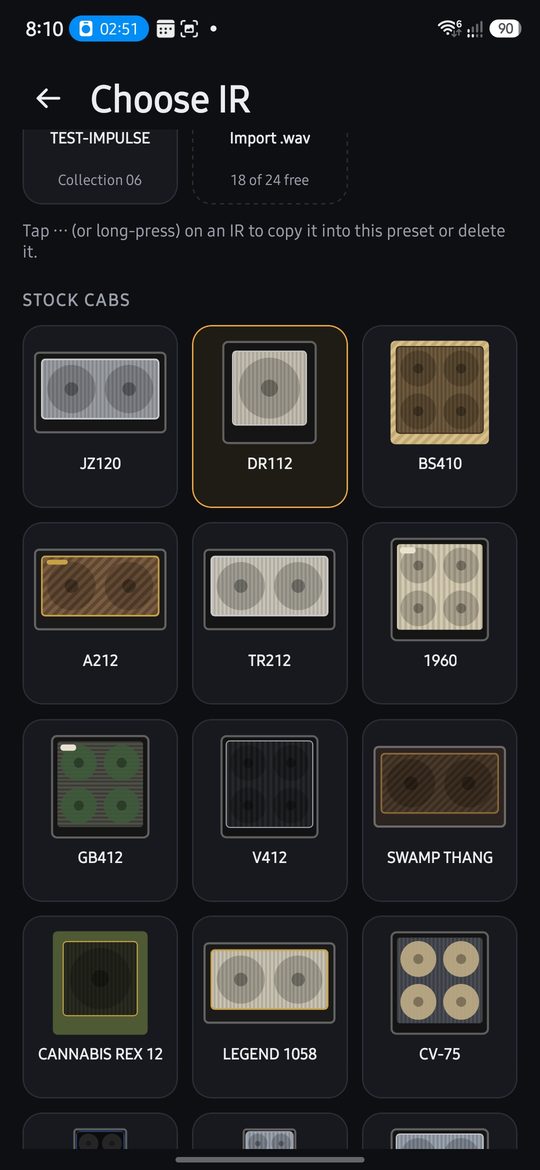
Upload A2 NAM captures to the pedal's 10 slots. Manage the 24-slot IR collection, import .wav files and see each IR's response.
Patches and backup
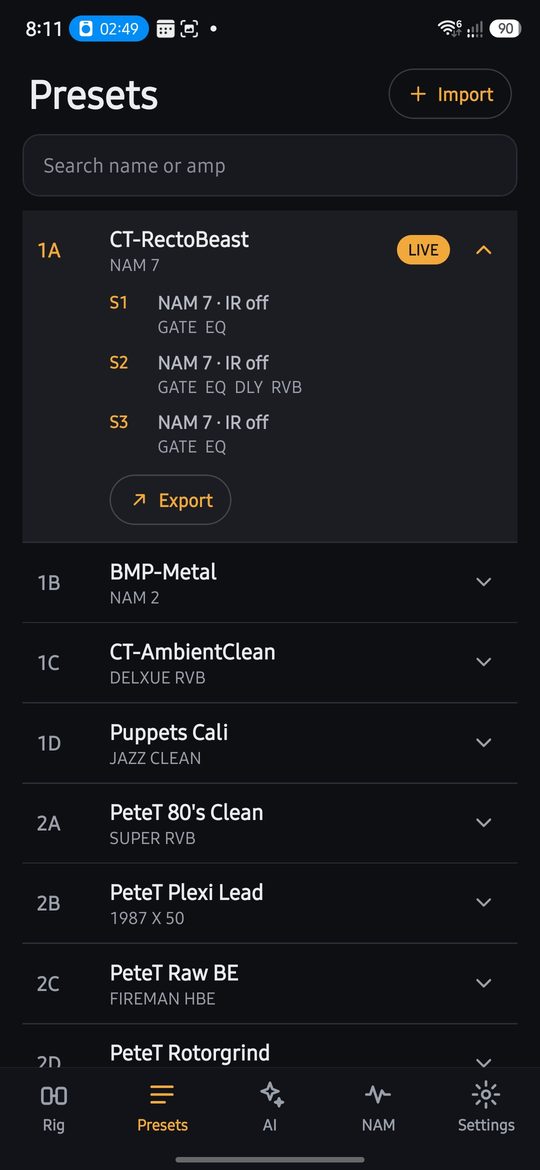
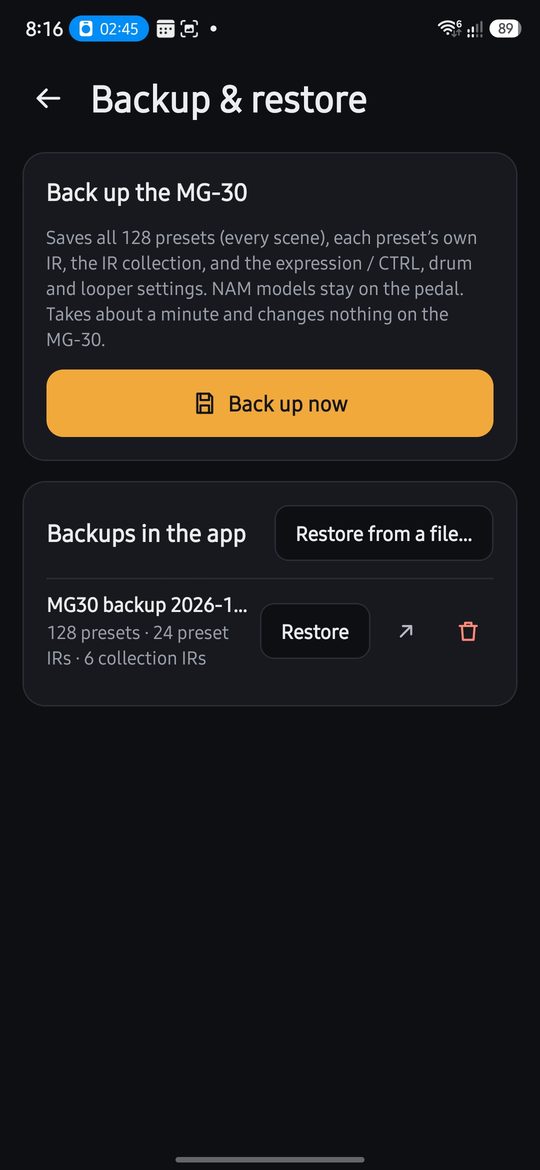
Import and export .mg30patch files and share them through any app. Back up all 128 presets, their IRs and pedal settings to one file.
Tuner, drums and looper
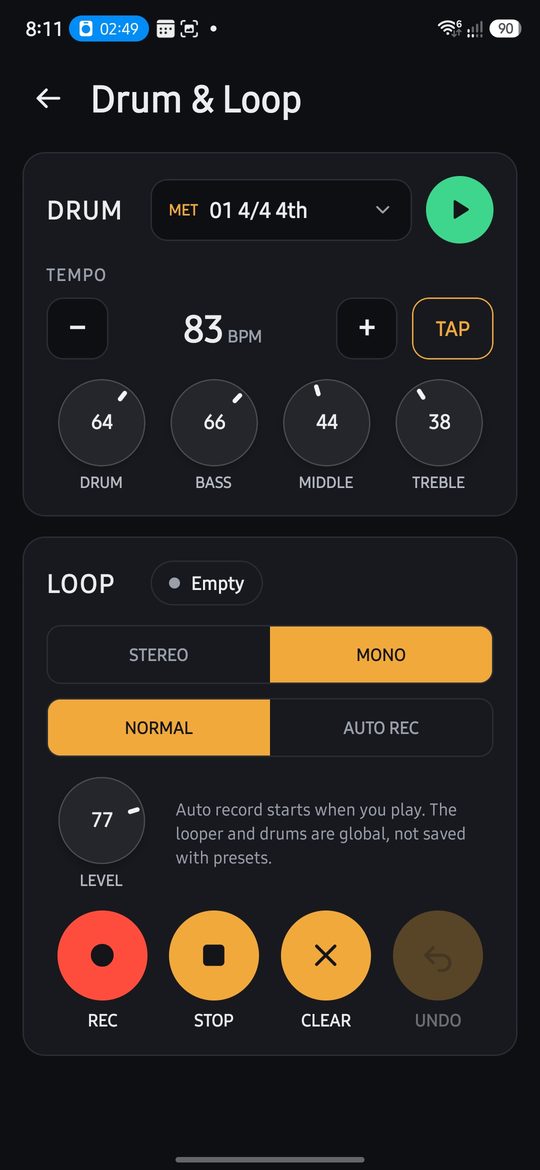
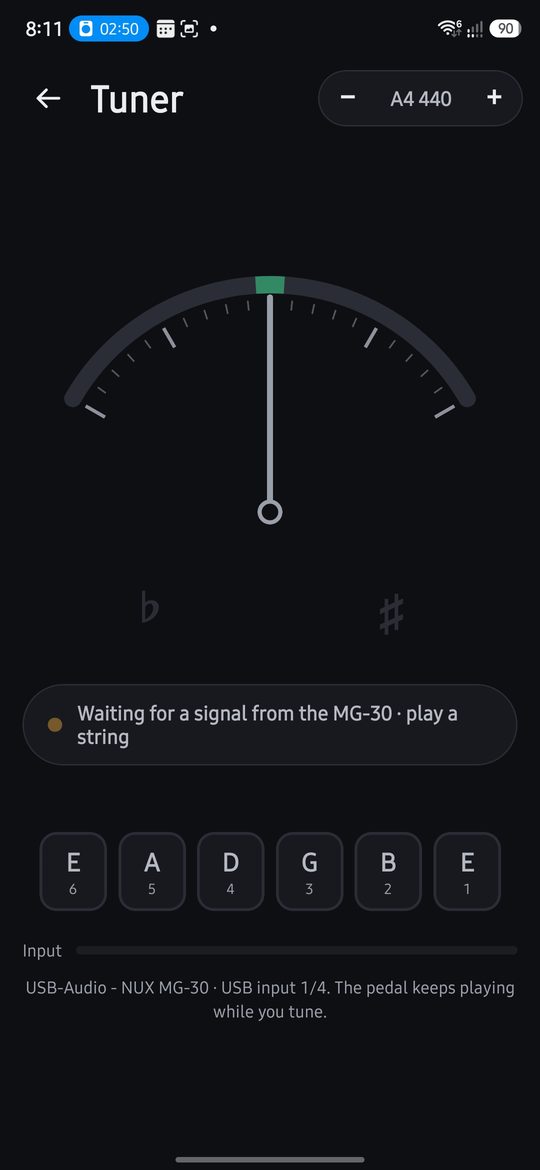
A chromatic tuner from the pedal's USB audio, 75 drum patterns with tap tempo, and full looper control with the pedal's live state.
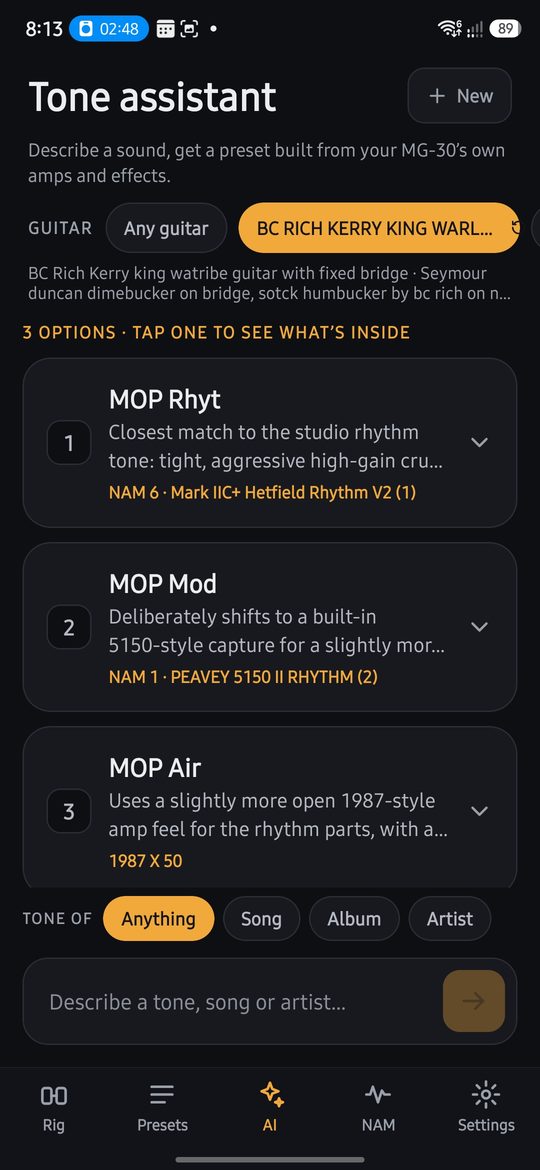
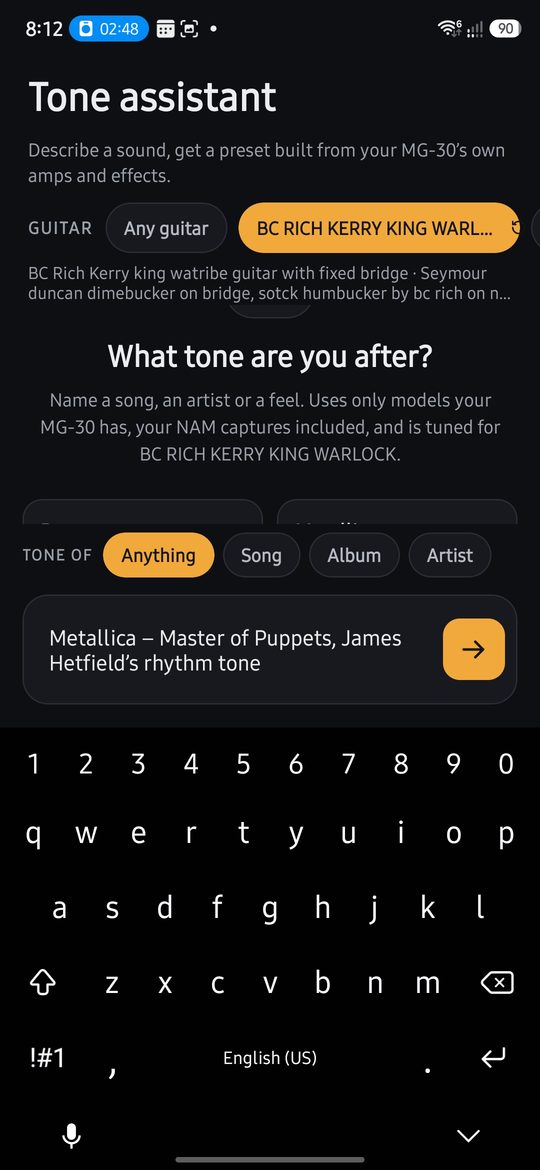
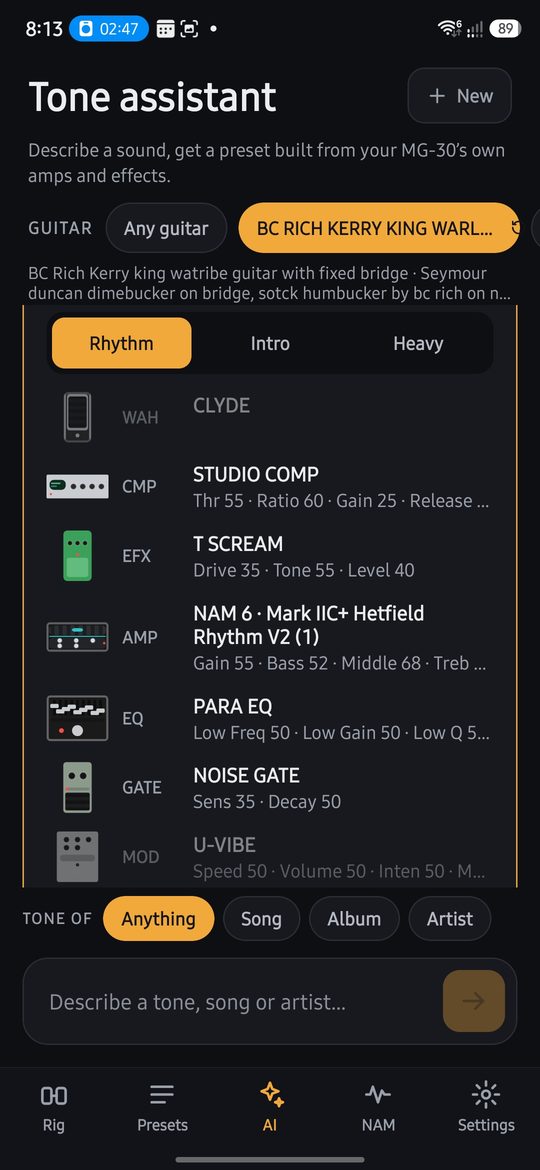
Type a song. Get a preset.
Describe a song, album, artist or feeling. The assistant builds up to three options, each with three scenes, from the models your MG-30 actually has, including your own NAM captures.
- Tuned to your guitar: body, pickups, output, tuning and what you play through
- Map each AI scene to a pedal scene, try it first, then save
- "More gain", "tighter low end": adjust any scene with AI, and undo each change
- Bring your own key: Google Gemini (free tier), Anthropic Claude or OpenAI
- Calls go straight from your phone to the provider. Your key stays on the phone.
Load captures straight from your phone
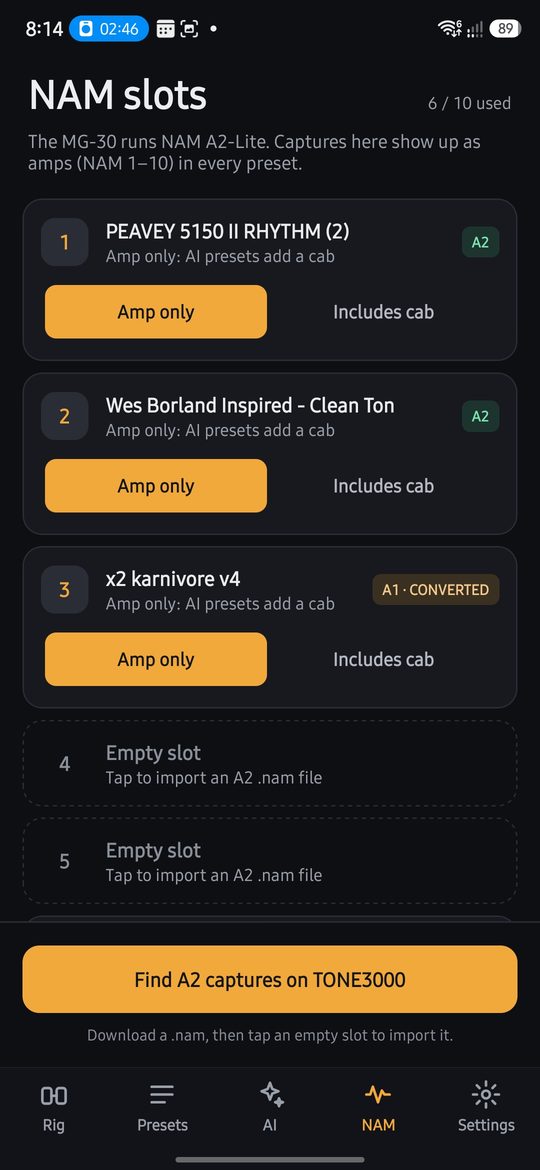
Download an A2 capture, tap an empty slot, and it's on the pedal, uploaded exactly as the desktop editor does it. Mark each capture "Amp only" or "Includes cab" and the tone assistant adds or skips the cab for you.
- See which slots hold A2 captures and which are lossy A1 conversions
- NAM captures show up as amps in every preset
Made for the stage and the couch
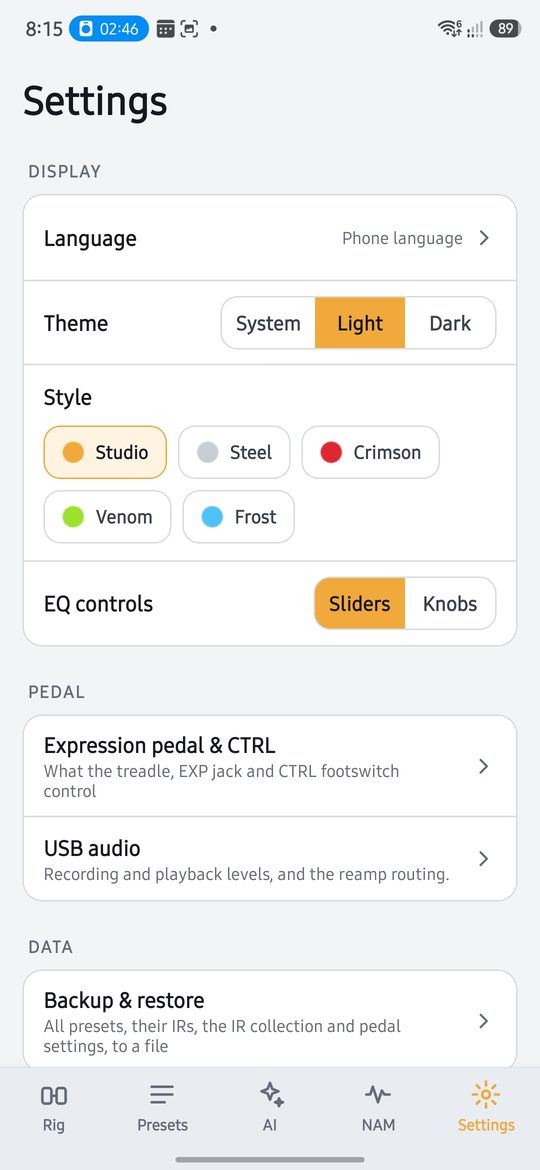
Dark and light themes in five styles, 15 languages including right-to-left Arabic, and layouts for phones and tablets.
Plug in and play
NUX MG-30
The original MG-30 on firmware 6.0.4 or 6.0.5. Other versions open view-only.
Android
A phone or tablet with a USB-C port that supports OTG. Most do.
A cable
USB-C to USB-B, or a USB-C OTG adapter with the pedal's own cable.
AI key (optional)
Only for the tone assistant. Gemini's free tier is enough to start.
Questions
Is it really free?
Is this an official NUX app?
Does it work over Bluetooth?
Will it change my presets without asking?
Can I share patches with QuickTone users?
What about the MG-30 MKII or iPhone?
Give your MG-30 a new home
Free on Android. No ads, no account.